Download the JAVAN app from:


JAVAN, the Used Motorcycle Marketplace App for Indonesia
JAVAN connects used motorcycle buyers and sellers in Indonesia. Find a motorcycle, create a listing, check market price estimates from Pricemate, and contact sellers through the app.
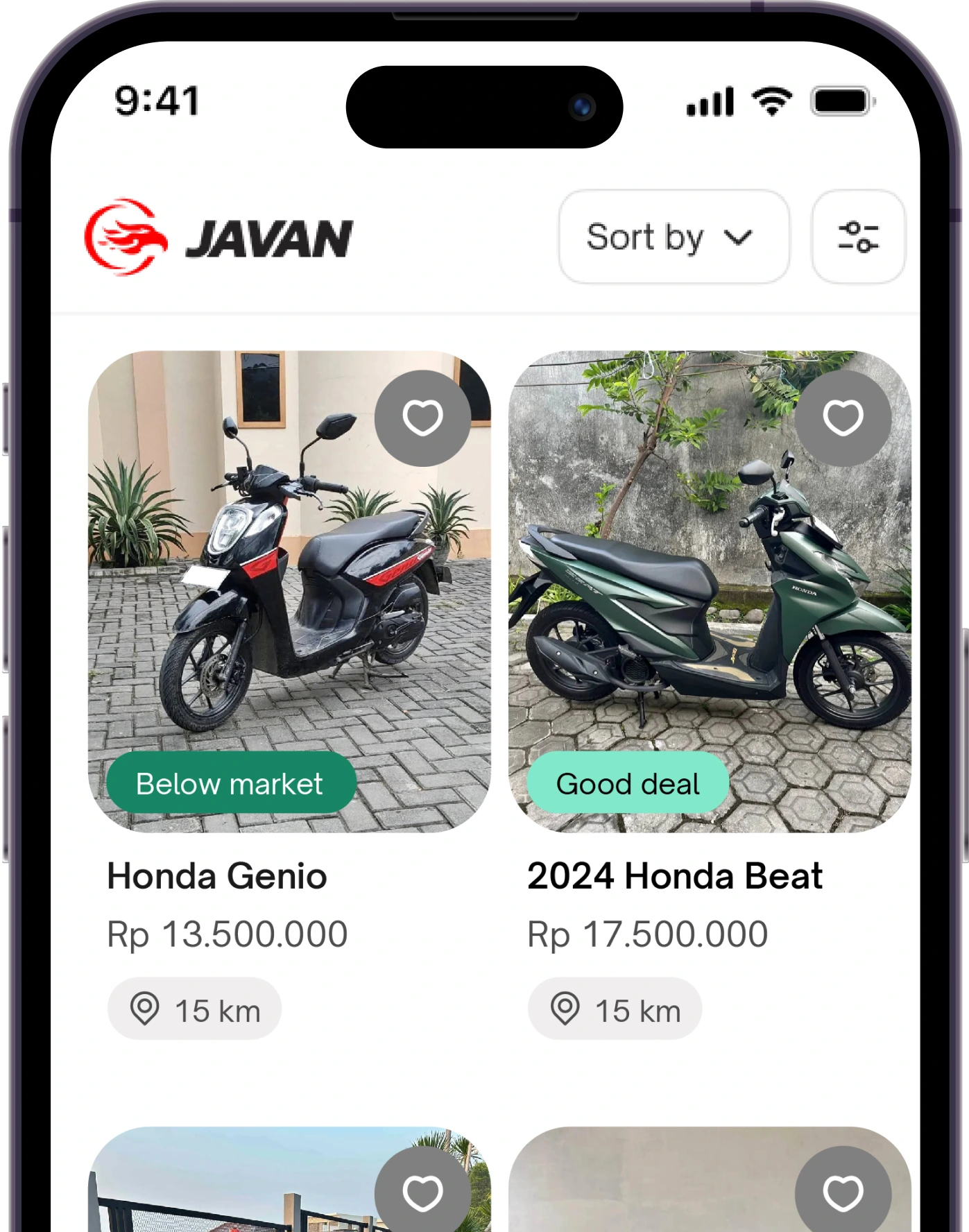
Compare Motorcycles and Prices with More Clarity
Find a motorcycle that fits your needs and budget. When comparing Honda or Yamaha automatic scooters, consider the year, condition, mileage, and vehicle documents.

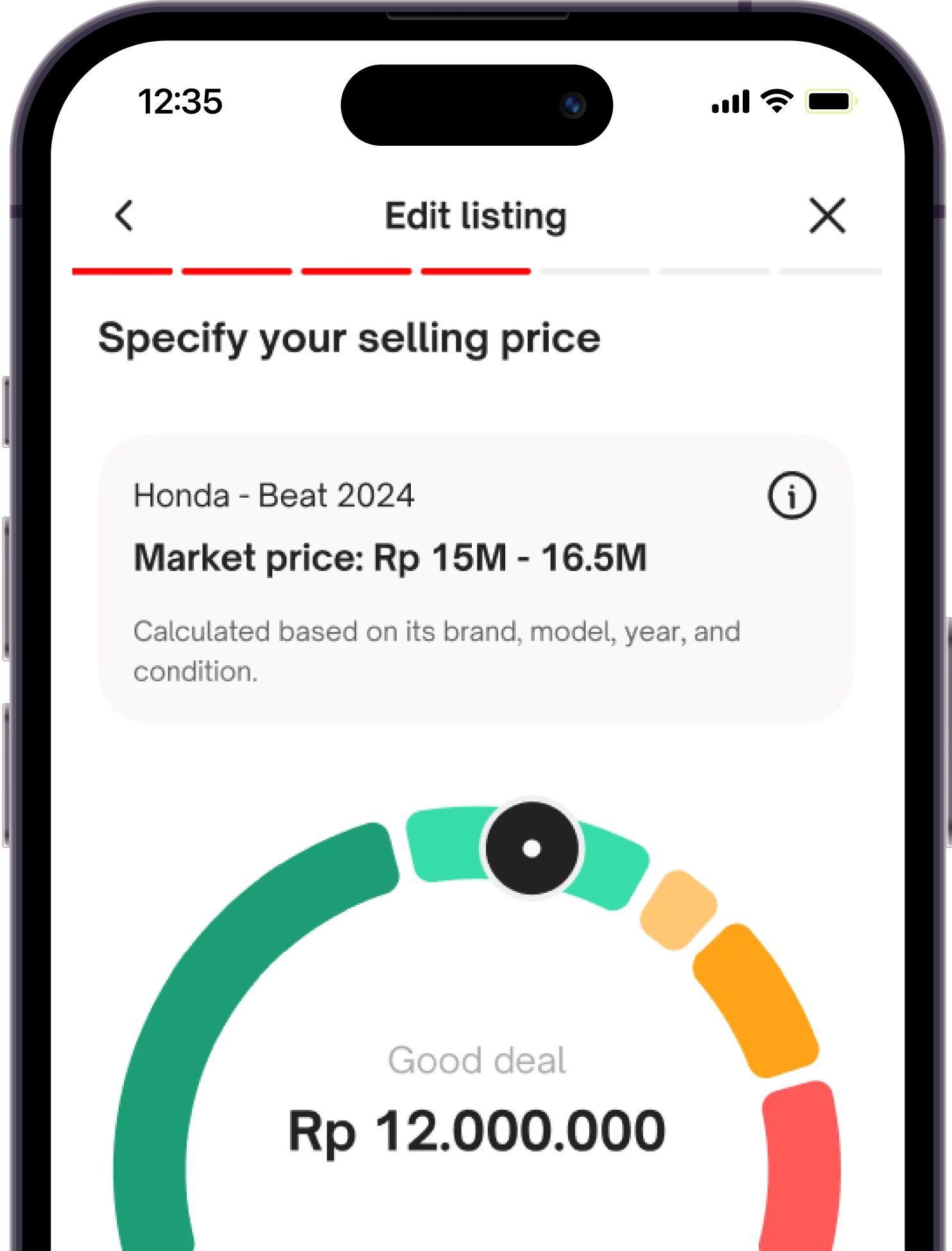
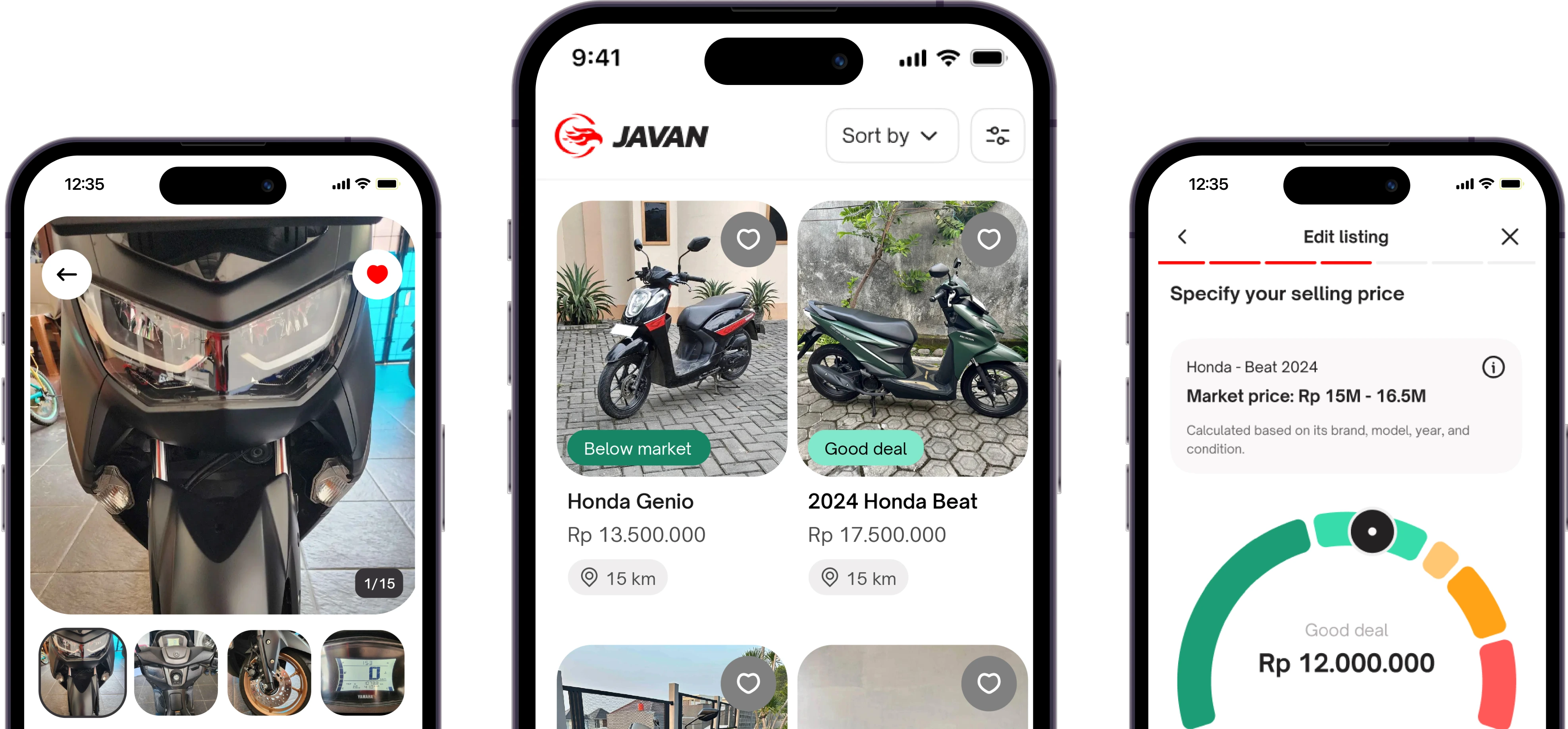
Compare Prices with Pricemate
Get a price reference before you negotiate. Pricemate shows estimated market prices to help you compare offers.

Verified users
Get to know the person behind an offer through their available profile information before starting a chat and discussing a deal.

Contact Sellers and Negotiate Prices
Chat directly to ask about the motorcycle, its STNK and BPKB documents, and the asking price.

Starting in Yogyakarta, Built for Indonesia
JAVAN launched in Yogyakarta with a familiar way to buy and sell: find a motorcycle, chat, then arrange to meet.
.png)
What Is JAVAN?
JAVAN is a used motorcycle marketplace app for people in Indonesia. You can find motorcycles, list your own, and contact other users to discuss an offer.
Download the JAVAN app from:
How Do You Buy or Sell a Motorcycle on JAVAN?
Three steps to start finding a motorcycle or listing your own.
1. Download the JAVAN App
Open Google Play or the App Store and download JAVAN to your phone.
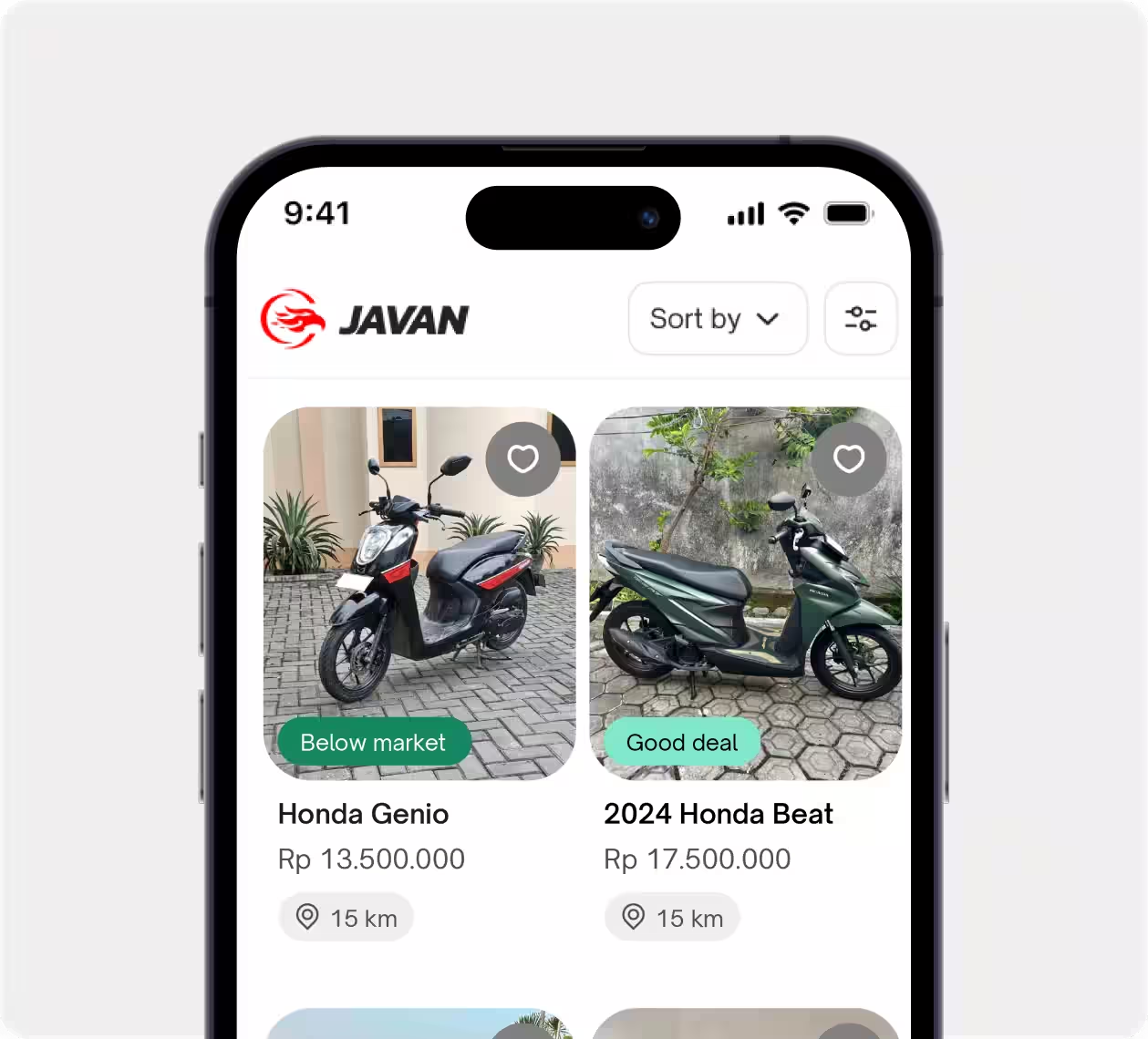
2. Find a Motorcycle or Create a Listing
Compare motorcycles using the details in each listing. To sell, prepare clear photos and information about the year, condition, and vehicle documents.
3. Chat and Arrange to Meet
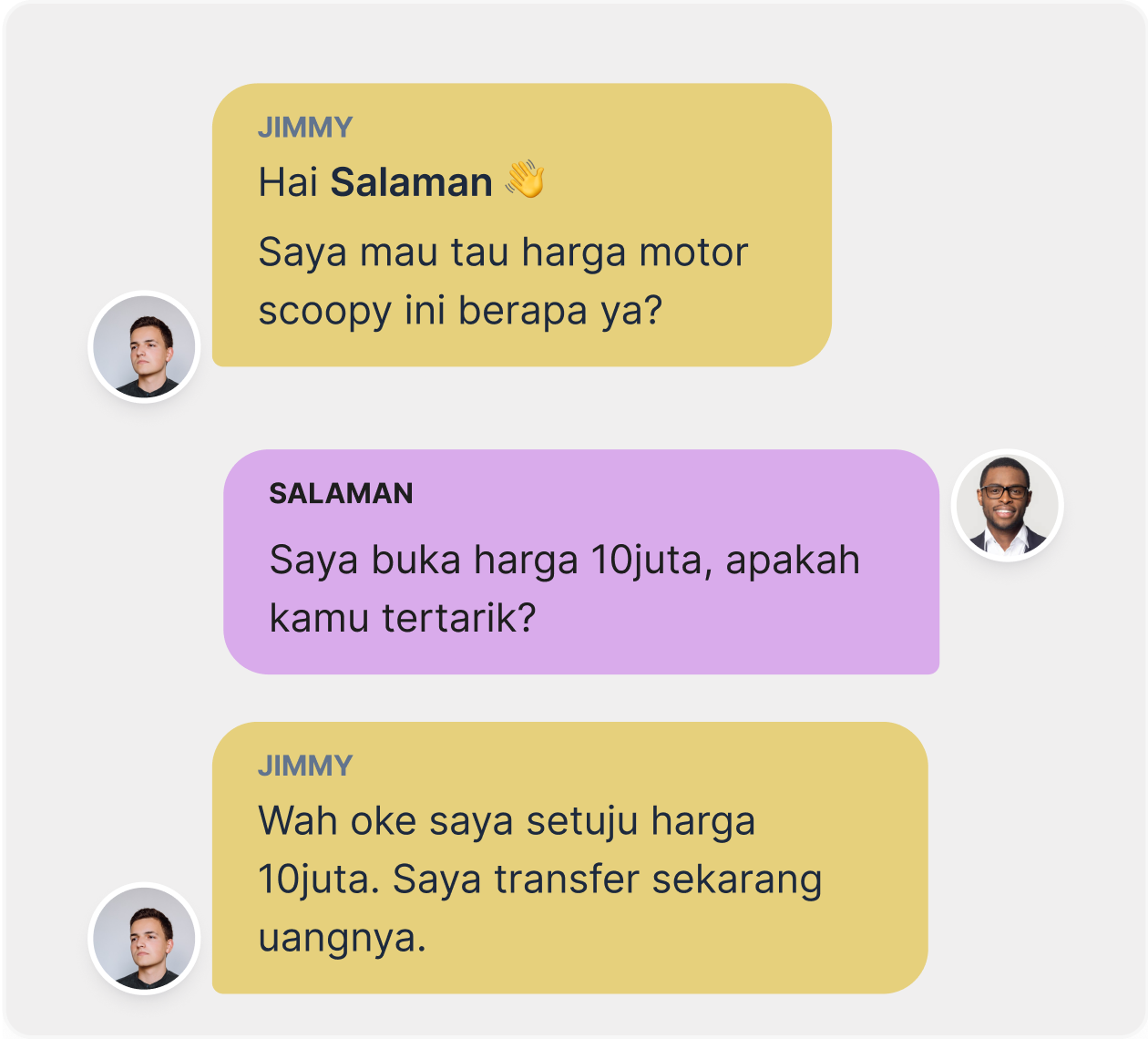
Discuss the price and arrange to meet the seller if the offer suits you. Before COD or payment, inspect the motorcycle, STNK, and BPKB in person.
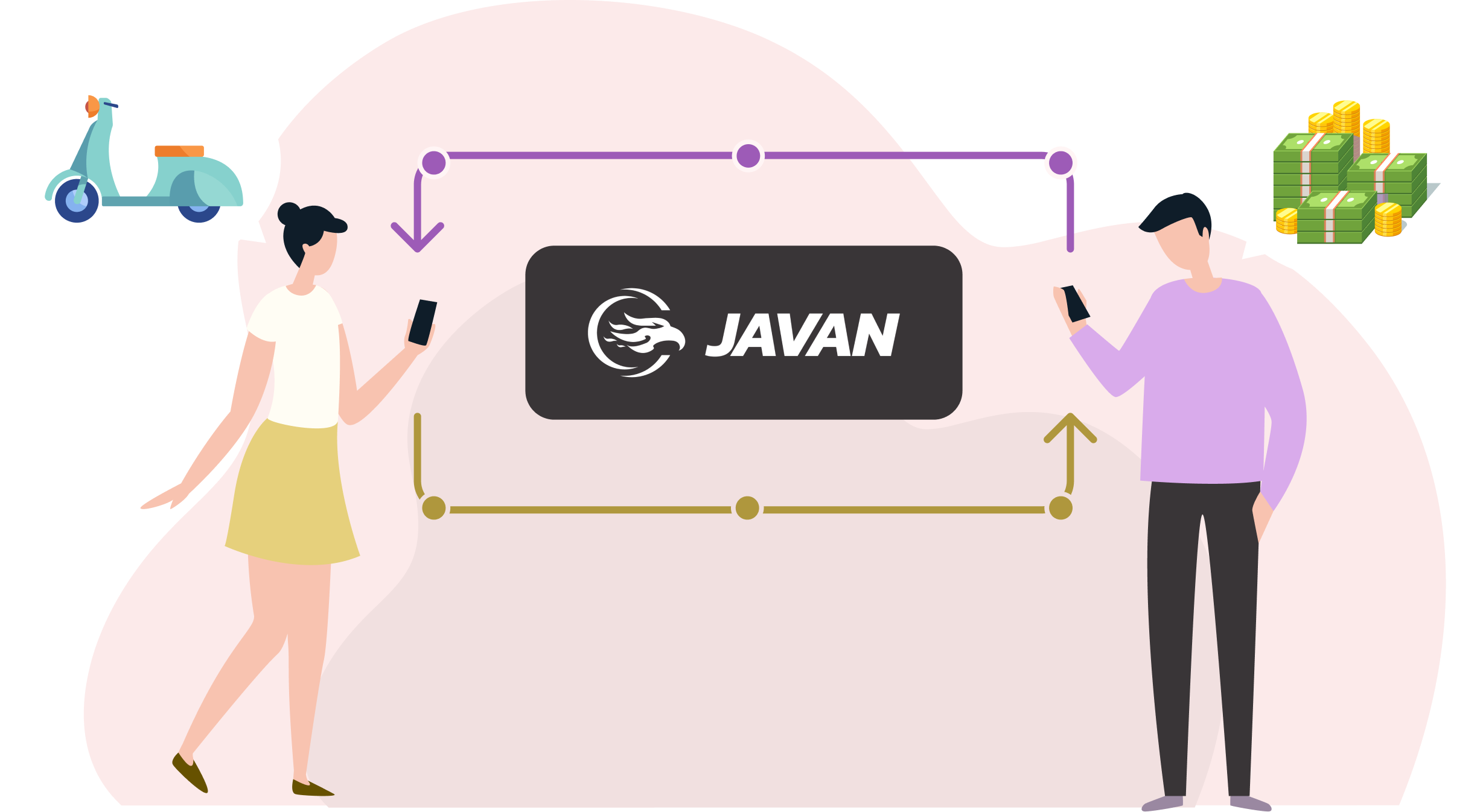
From Finding a Motorcycle to Contacting the Seller
Found a motorcycle you like? Prepare questions about its condition, maintenance history, and documents before contacting the seller. Meet the founders and team behind JAVAN.
Download the JAVAN app from:
Frequently Asked Questions about JAVAN
What does Pricemate do in JAVAN?
Pricemate helps you check estimated market prices for used motorcycles. Use the estimate as a reference when comparing offers, then ask the seller about the motorcycle and its price.
How do I sell a motorcycle on JAVAN?
Open the JAVAN app and create a listing for the motorcycle you want to sell. Enter the requested details, add photos, and check the terms and fees shown before continuing.
Is it free to list a motorcycle on JAVAN?
Yes, motorcycle listings are free for the first 2 weeks. After that, prices start at Rp20,000 for a 1-week listing. Review the available packages and terms in the app before posting.
How do I contact a motorcycle seller?
Find a motorcycle in the JAVAN app, then use the contact options available on the listing to ask about its condition and discuss the offer with the seller.
Does JAVAN guarantee the condition of every motorcycle?
User verification and price estimates help you assess an offer, but do not guarantee motorcycle condition. Inspect the motorcycle in person, match the STNK and BPKB to the vehicle, and confirm the details with the seller before paying.
Where can I download the JAVAN app?
JAVAN is free to download from Google Play for Android and the App Store for iPhone. Use the download buttons on the official JAVAN website to open the relevant app page. Listing fees depend on the package and duration you choose.
What should I check on a used motorcycle's STNK and BPKB?
Ask to see the original STNK registration certificate and BPKB vehicle ownership document when you meet. Match the vehicle details, including chassis and engine numbers, to the motorcycle, and ask about tax and ownership status. Resolve any differences or missing documents before paying.
In which cities is JAVAN available?
JAVAN launched in Yogyakarta. Check current listings in the app to see which motorcycles and seller locations are available. Availability depends on listings posted by users.
Can I arrange a meetup or COD with the seller?
Use chat in JAVAN to discuss a time and place to meet the seller directly. If you agree on COD, inspect the motorcycle, STNK, and BPKB before paying. The buyer and seller agree on the meeting arrangements and payment method.
Ready to Buy or Sell a Used Motorcycle? Start with JAVAN.
Download the JAVAN app from:

.png)